1.
Start a new email for every Post Edit submission.
Do not reply to a previous or unrelated email. Limit each submission to one machine.
2. Format the subject of the email to match the following:
“(Company Name) (Machine Name) Post Edit Request”
3. Files needed to submit a post edit request:
a.
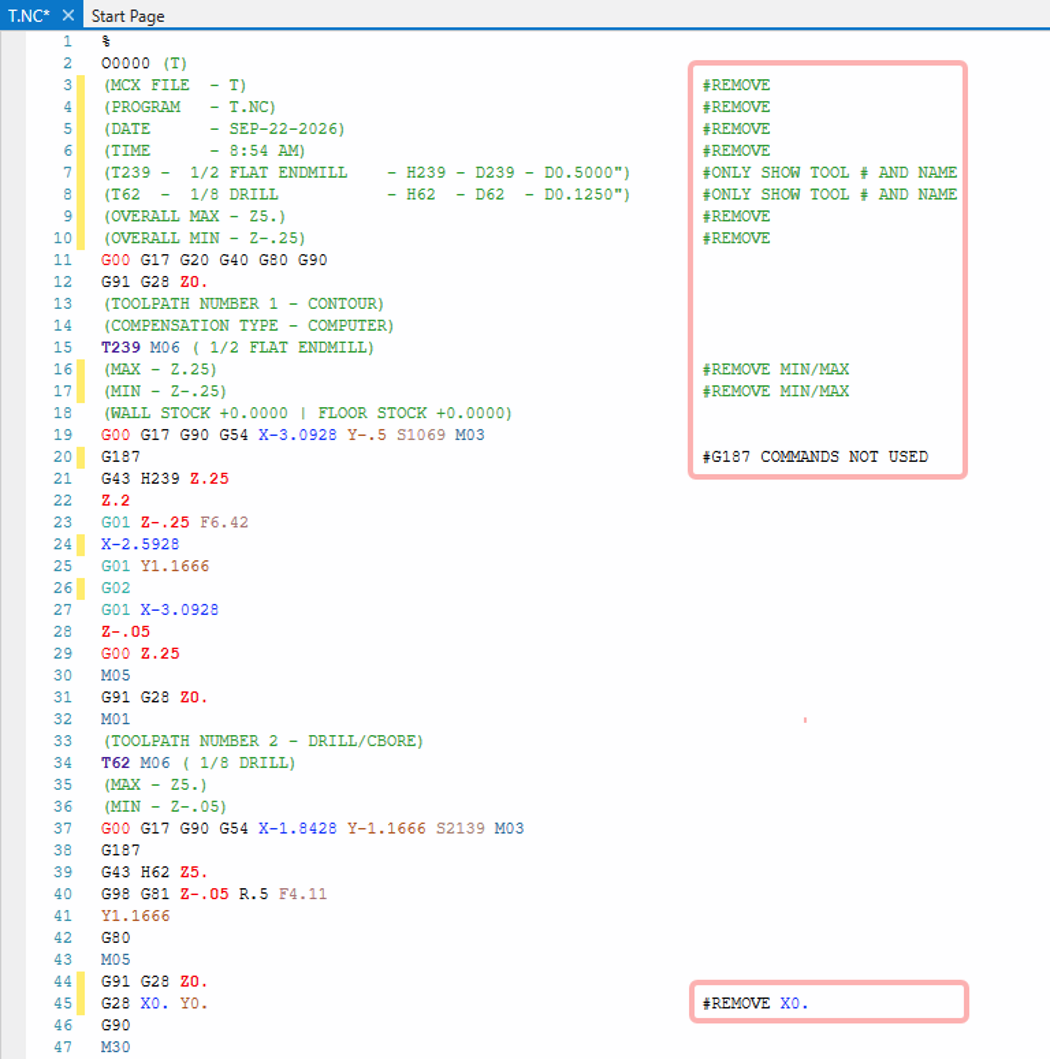
A Zip2Go of the Mastercam file with toolpaths used to generate code that represents the changes being requested.
b.
Hand-edited/marked-up NC file(s) that have been run and proven good at the machine if possible.
(Please do not include screen shots of edited code, only edited NC files.)
(Please do not include screen shots of edited code, only edited NC files.)