
1
Your Mastercam file must have at least one toolpath.
2
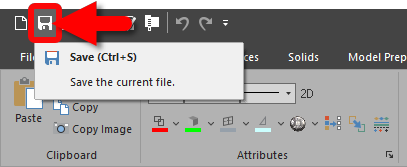
Save your file.
3
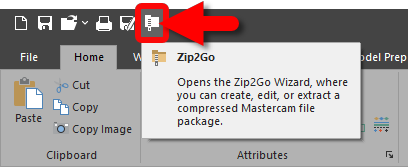
Select Zip2Go from the Quick Access Toolbar.
4
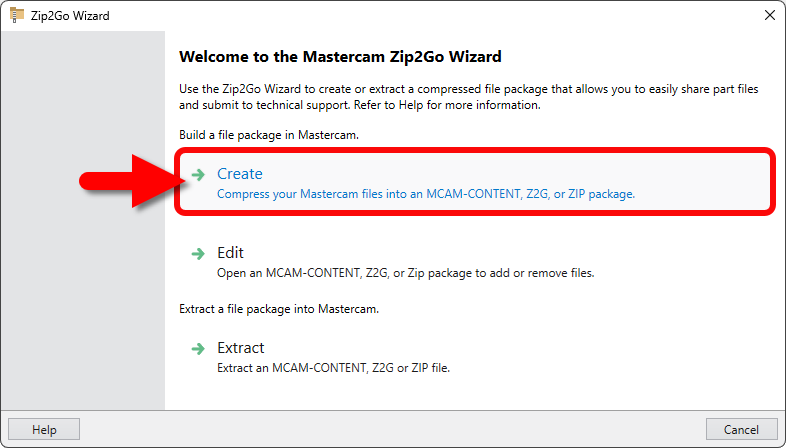
Select Create.
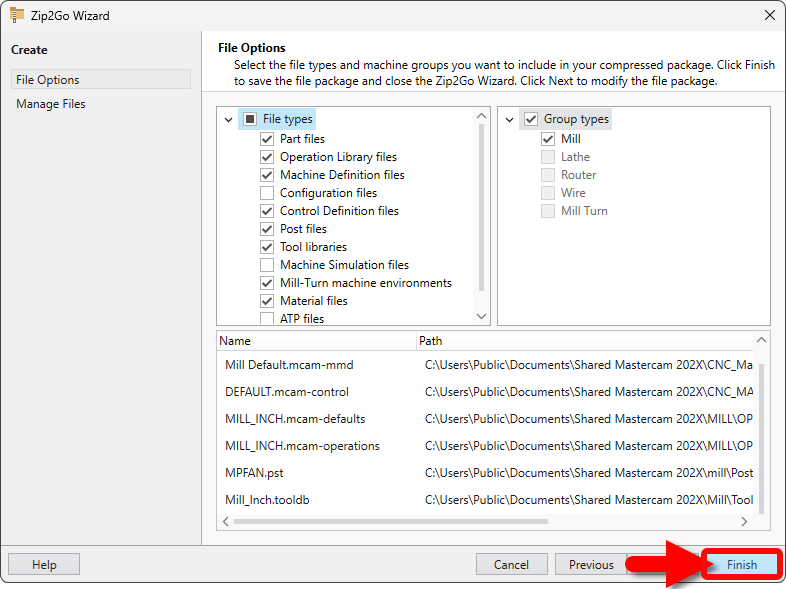
5
Select Finish.
6
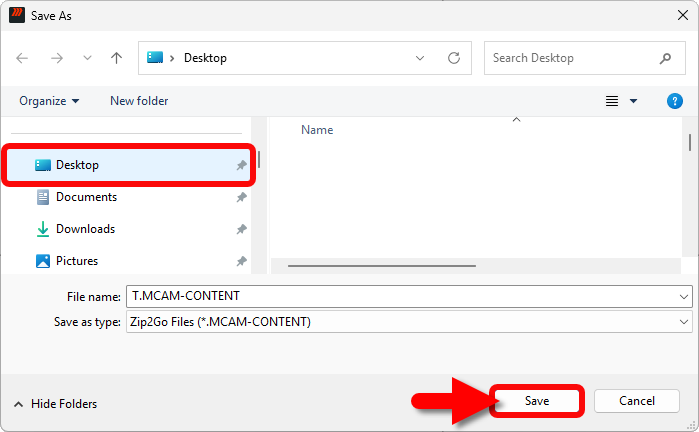
Save to a familiar location (like the Desktop).
7
Add the MCAM-CONTENT to your email as an attachment or request an upload link if the file exceeds attachment size.
How To Videos & Downloads
Lorem ipsum dolor sit amet consectetur adipisicing elit.

